 Manga Garden Manga Translator
The AI manga translator for your browser. Translate manga, manhwa, and webtoons with zero servers, clean polygon inpainting, and authentic comic lettering.

 Portuguese
日本語
Source: Pixiv #144884723
Click the kite icon or drag the slider to compare.
From subtle in-page hover triggers to an interactive full-screen studio editor.
Hover over any comic panel on Twitter/X, Pixiv, or manga reader sites. An unobtrusive floating translation button appears seamlessly using modern CSS Anchor Positioning. Click it, and the panel translates right inside the artwork.

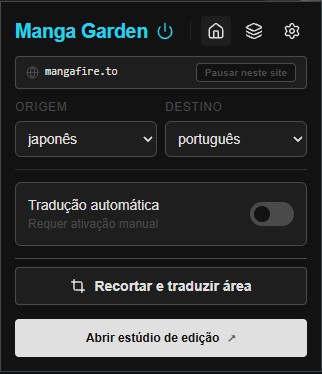
Switch target languages, toggle reading modes, or trigger on-demand viewport translations in one click.

Discover lazy-loaded panels across whole chapters, read in Webtoon mode, batch translate, and export 1-click chapter ZIPs.
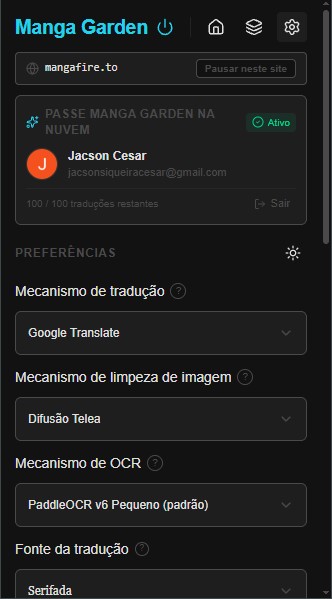
Configure PaddleOCR models (v3-v6), neural inpainting (LaMa / AOT-GAN), WebGPU acceleration, and custom API keys.
Inspect clean background plates, edit dialogue directly on canvas, erase defects with AI inpaint brush, and export 1:1 lossless PNGs.
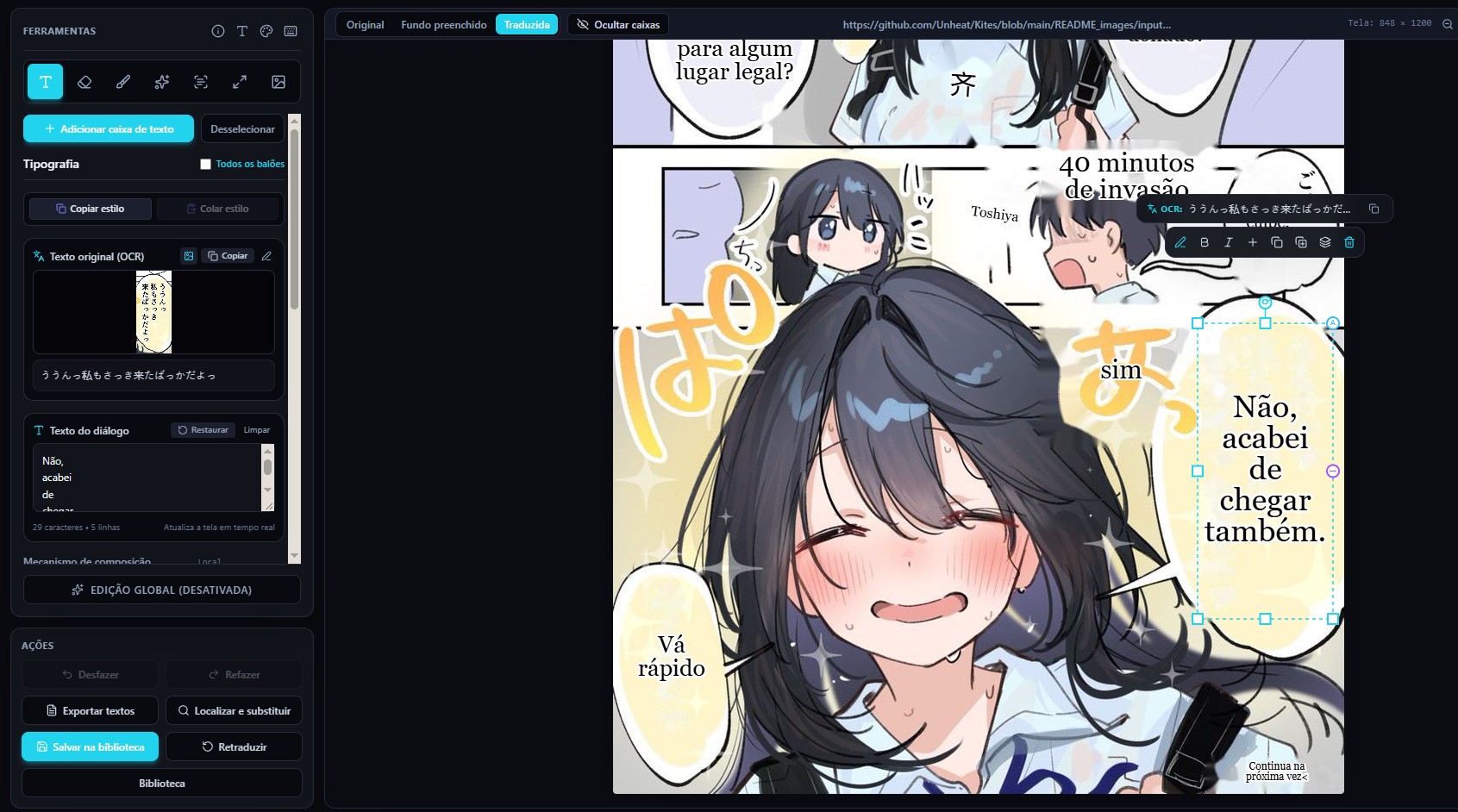
Manga Garden eliminates heavy Python dependencies and expensive cloud servers by running optimized neural networks directly in Chromium via WebGPU.
Runs ONNX Runtime Web directly on your graphics card with seamless WASM fallback. No local CUDA or Python installation needed.
Reconstructs reading order and merges fragmented text lines into unified dialogue balloons using graph-theoretic minimum spanning trees.
LaMa Manga and AOT-GAN neural inpainters operate on localized dynamic-bucketed crops at 1:1 scale, avoiding ugly gray blur boxes.
Automatic failover across unlimited on-device WebLLM (Qwen 3.5, Gemma 3, Llama 3.2), unlimited Google Translate, our 100 free/day community cloud pool, or private API keys.
Your images never touch our servers. All OCR detections, clean backgrounds, and translations are stored locally in IndexedDB with 7-day TTL pruning.
Licensed under GPLv3. Auditable source code, zero hidden analytics, zero telemetry beacons, and zero monthly subscriptions.
Choose the installation method that fits your needs. 100% free, private, and open source.
The official Google Chrome Web Store release. One click to install, verified by Google security review, and stays continuously updated.
Pre-compiled distribution package ready for Developer Mode. Great for offline machines or testing specific version snapshots.
.zip bundlechrome://extensions/Complete auditable GPLv3 TypeScript source. Inspect algorithms, tune models, and build with Vite & Rolldown.
git clone https://github.com/jacosncesar/manga-garden.git manga-garden
cd manga-garden && npm ci
npm run build